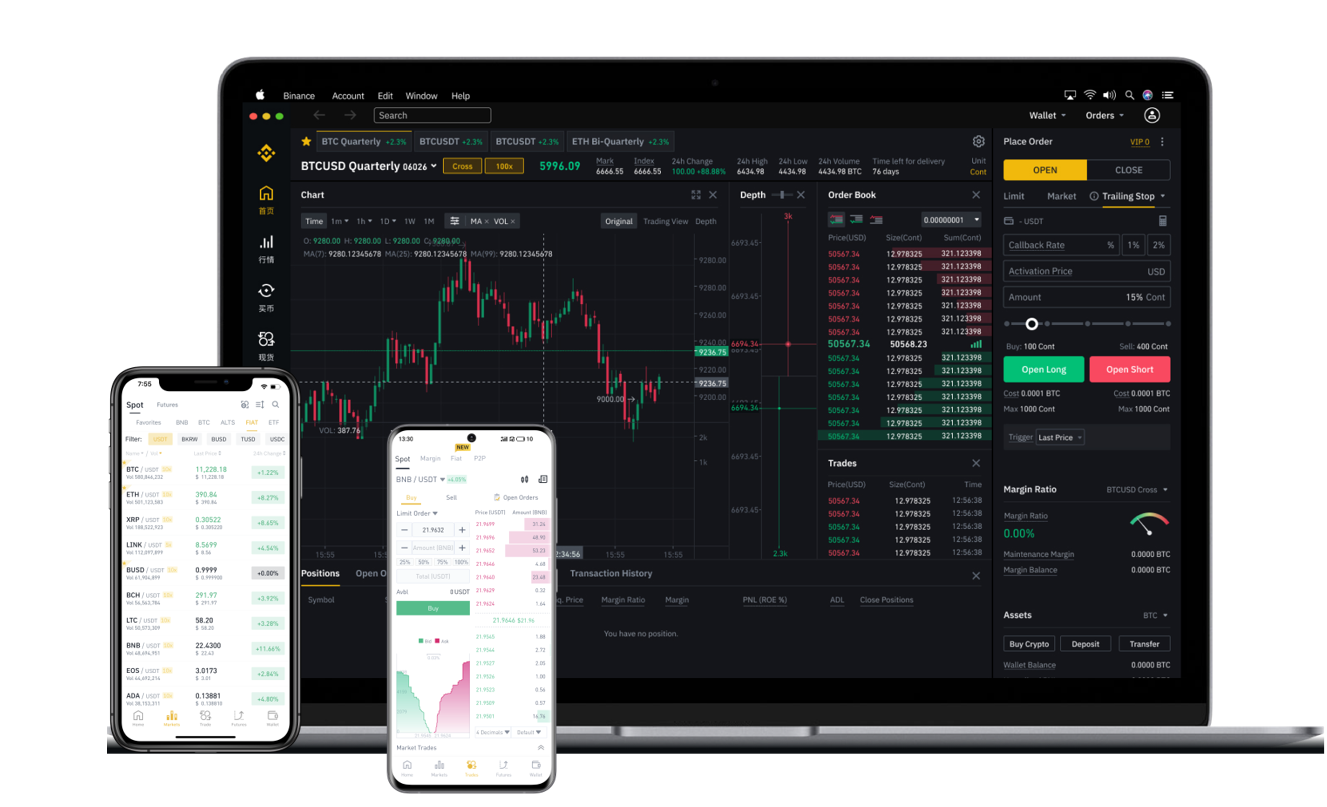
How to Withdraw Funds from Binance: Complete Step-by-Step Guide for Beginners

Binance is one of the largest and most popular cryptocurrency exchanges in the world, offering users access to hundreds of digital assets. However, many new users often ask: "How do I withdraw funds from Binance?" Withdrawing your assets from Binance is a straightforward process once you understand the steps. This guide will walk you through the entire withdrawal procedure, covering essential checks, network selection, and security tips to ensure your funds arrive safely.
Before you start, make sure your Binance account is verified. Binance requires identity verification (KYC) for withdrawals and other services. If you haven't completed it, go to the account settings and upload the required documents. Verification usually takes a few hours to a few days. Once verified, log into your Binance account either via the website or the mobile app.
The first step to withdraw funds is to transfer assets from your "Funding Wallet" or "Spot Wallet" to the withdrawal interface. On the Binance homepage, look for the "Wallet" icon, usually located in the top right corner. Click on "Withdraw" from the dropdown menu. You will be prompted to select the cryptocurrency you wish to withdraw. Binance supports a wide range of coins and tokens, from Bitcoin (BTC) and Ethereum (ETH) to stablecoins like USDT and USDC.
After selecting the asset, carefully enter the withdrawal address. This is the address of your external wallet (e.g., a hardware wallet like Ledger, a software wallet like MetaMask, or another exchange). Double-check the address character by character because cryptocurrency transactions are irreversible. Even a single typo can result in permanent loss of funds. To be extra safe, consider copying the address directly from your receiving wallet rather than typing it manually, and always verify the first and last few characters.
Next, you need to choose the correct network. This is one of the most critical steps. Binance will display multiple network options for the same cryptocurrency. For example, if you withdraw USDT, you can use networks like BEP-20 (BSC), ERC-20 (Ethereum), TRC-20 (Tron), or Solana. You must choose the same network that your receiving wallet supports. If you select the wrong network, your funds may be lost permanently. The network fee and processing time vary; BEP-20 and TRC-20 usually offer lower fees and faster speeds compared to ERC-20.
Once you have selected the address and network, enter the withdrawal amount. Binance will show you the minimum withdrawal amount and the network fee deducted from your total. Check that your balance exceeds the minimum plus the fee. After entering the amount, you will need to confirm the withdrawal through several security checks. These typically include your email verification code, your SMS or Google Authenticator code if enabled, and in some cases, a device confirmation.
After you complete the verification, click "Submit." Binance will process your withdrawal. The time it takes for the funds to arrive in your external wallet depends on the network congestion. For example, Bitcoin withdrawals may take from 10 minutes to several hours on a busy day, while BEP-20 transfers are often completed within seconds to a few minutes. You can track the transaction status on the blockchain using the transaction ID (TXID) provided by Binance.
It is also important to understand withdrawal limits. Binance imposes daily withdrawal limits based on your verification level. Level 1 users (basic verification) often have lower limits (e.g., 2 BTC equivalent per day). Level 2 (advanced verification) users have much higher limits (e.g., 100 BTC equivalent per day). If you need to withdraw a large amount, ensure your account is fully verified beforehand.
One common mistake to avoid is withdrawing directly from your Binance account to a crowdfunding platform, an ICO smart contract, or a wallet that does not support your chosen network. Always test with a small amount first, especially if you are unsure about the address or the network. This "test transaction" approach can save you from significant financial loss.
Finally, remember that Binance also supports fiat currency withdrawals (e.g., USD, EUR) via bank transfer, credit card, or third-party payment services. The process is similar but requires you to link your bank account or payment method. Fiat withdrawals may involve additional fees and longer processing times (1–5 business days).
In summary, withdrawing funds from Binance is secure and efficient if you follow the correct steps: verify your account, select the right cryptocurrency, input an accurate external address, choose the matching network, confirm the amount, and pass security checks. Always double-check every detail, especially the network and address, to ensure your assets arrive without any problems. By understanding these fundamentals, you can confidently manage your digital assets and move them wherever you need, whether for trading, holding in cold storage, or converting to fiat.